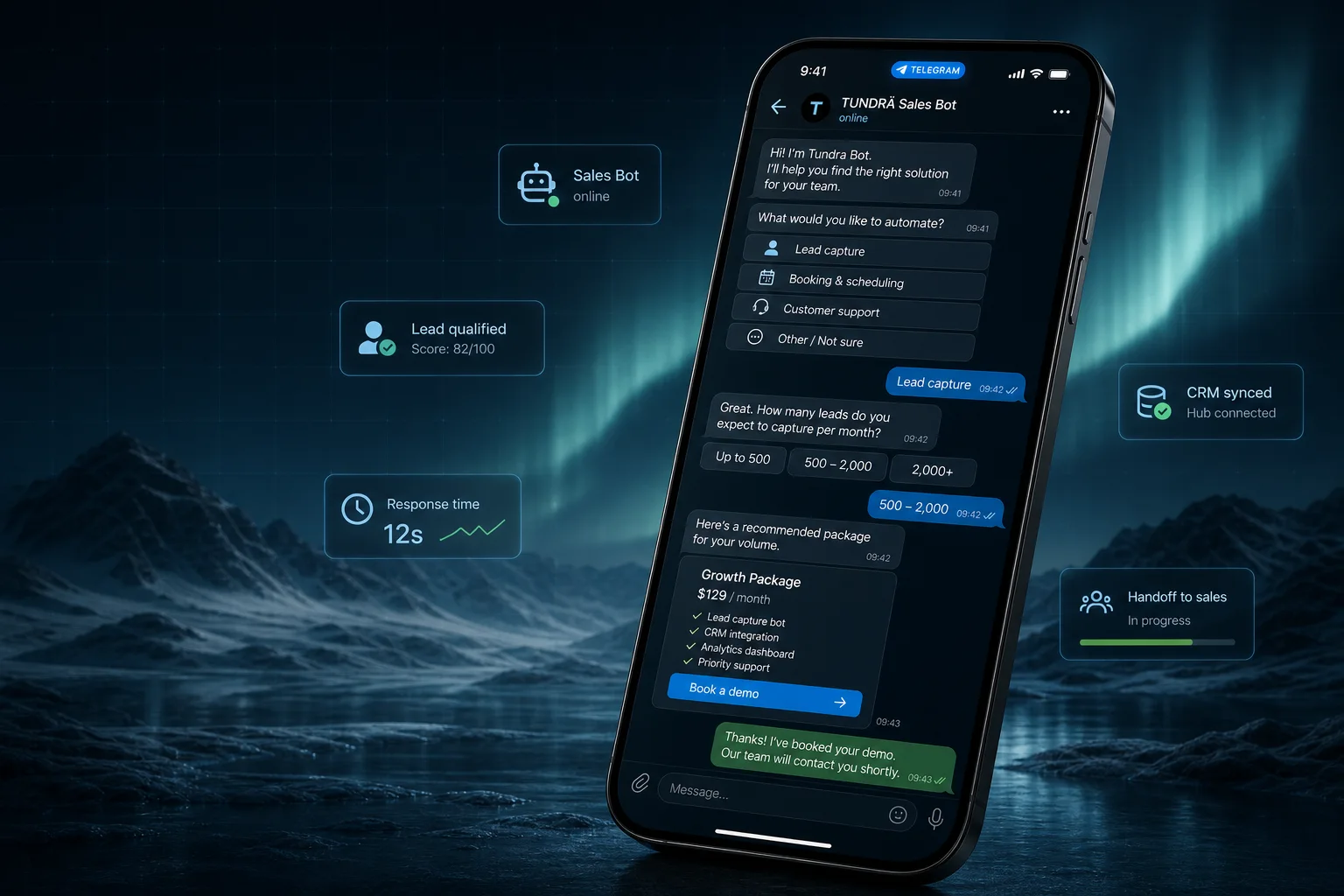
Appointment booking bot
Book appointments without the back-and-forth.
TUNDRÄ builds appointment booking bots that collect service details, preferred time, customer contact, calendar constraints, reminders, reschedule requests, cancellations, and staff handoff.
- Service intake
- Calendar route
- Reminders
- Reschedule and cancel logic
appointment booking bot Live scope preview
Scope Ready for estimate
Scope
Booking bots are simple only when availability rules are simple.
A narrow booking request flow can launch fast. Real-time calendar sync, staff selection, deposits, service duration, capacity, reminders, and rescheduling add meaningful scope.
- Collect the details staff need before confirming an appointment.
- Use calendar sync when availability must be checked automatically.
- Add reminders, cancellation, reschedule, and deposit logic only when the rules are clear.
Booking flows
Choose between request intake and confirmed booking.
Some businesses only need structured appointment requests. Others need the bot to read availability, create calendar events, and manage reminders.
Appointment request bot
Collect service, preferred day or time, contact details, and notes, then send the request to staff.
- Service
- Preferred time
- Contact
- Staff alert
Calendar-sync booking bot
Check availability, show slots, create events, and send confirmation messages.
- Availability
- Slots
- Event creation
- Confirmation
Reminder and no-show flow
Send reminders before the appointment and collect confirmation or reschedule requests.
- 24h reminder
- 2h reminder
- Confirm
- Reschedule
Deposit or paid booking
Collect a deposit or payment link when the service needs commitment before reserving time.
- Payment link
- Deposit state
- Receipt
- Refund rule
Booking rules
Availability rules are the real scope.
The bot needs to know service duration, working hours, buffers, staff, locations, cancellation policy, and what happens when no slots are available.
Service and duration map
Each service needs a duration, required staff or location, intake fields, and confirmation rule.
- Duration
- Staff
- Location
- Intake
Availability source
Use Google Calendar, Outlook, Cal.com, Calendly, a booking system, or request-only routing.
- Outlook
- Cal.com
- Calendly
Reschedule and cancel rules
Define when users can cancel, reschedule, pay deposits, or require staff approval.
- Cancel
- Reschedule
- Deposit
- Approval
Complexity map
Booking scope grows with availability logic.
The right build depends on whether the bot only collects requests or actually controls the calendar.
| Booking type | Best for | What the bot does | Scope driver |
|---|---|---|---|
| Request-only | Consultants, agencies, services that manually confirm | Collects details and preferred time, sends staff alert | Low calendar risk, fastest launch |
| Single calendar sync | One provider, one calendar, simple working hours | Shows available slots, creates event, sends confirmation | Calendar API, buffers, reminders |
| Multi-staff booking | Clinics, salons, trainers, local services | Matches service to staff and availability | Staff calendars, service durations, conflict rules |
| Deposit booking | High no-show risk or paid consultations | Collects payment or deposit before final confirmation | Payment provider, refunds, failed payment states |
| Triage booking | Medical, legal, repair, emergency or home services | Collects urgency and routes to staff before confirmation | Safety, priority, escalation rules |
Calendar checklist
Prepare these details before building a booking bot.
Clear availability rules make the difference between a helpful booking flow and a scheduling mess.
| Input | Ready example | Why it matters |
|---|---|---|
| Services | Consultation 30 min, installation estimate 60 min, follow-up 15 min | Determines slot length and questions |
| Availability | Mon-Fri 10:00-18:00, lunch block, 15-minute buffer | Prevents impossible bookings |
| Staff or location | One owner calendar or separate calendars per specialist/location | Defines calendar and routing complexity |
| Reminder rules | 24h and 2h reminder, confirm or reschedule options | Reduces no-shows and last-minute confusion |
| Cancellation policy | Allow reschedule until 12h before, deposit non-refundable after cutoff | Prevents bot promises that staff cannot honor |
Booking route
Booking link, chatbot, or receptionist?
A booking bot is most useful when users need help choosing the right service or providing context before the slot is selected.
| Route | Best for | Risk | TUNDRÄ view |
|---|---|---|---|
| Simple booking link | Known service, simple calendar, low friction | No qualification or context before booking | Use when the decision is obvious |
| Appointment booking bot | Users need service selection, intake, reminders, or channel chat | Bad rules can create scheduling conflicts | Best fit for guided booking and intake |
| Human receptionist | Sensitive triage, complex exceptions, high-value clients | Expensive and limited coverage | Keep humans for exceptions and final judgment |
| Hybrid flow | Bot collects intake, human confirms edge cases | Needs clear owner and response time | Often safest for local services and clinics |
Packages
Price booking bots by calendar control.
A request bot can be fast. A bot that writes to calendars, handles deposits, and manages reschedules needs deeper testing.
Appointment request bot
For one channel, structured intake, preferred time collection, and staff notification without real-time calendar control.
from USD 800-1,500 24-72 hours
- Service intake
- Preferred slot
- Contact capture
- Staff alert
- Launch checks
Calendar-sync booking bot
For one calendar, availability checks, slot selection, event creation, confirmation, reminders, and reschedule path.
from USD 1,500-3,500 3-7 days
- Calendar API
- Slot selection
- Event creation
- Reminders
- Reschedule
Multi-staff, deposits, or triage booking
For booking flows with multiple staff, locations, service durations, deposits, urgent triage, or CRM integration.
from USD 3,000-7,000+ 1-3+ weeks
- Staff routing
- Service durations
- Deposits
- Triage
- CRM sync
Use cases
Where appointment bots help most
Booking bots are strongest for businesses that lose time to repeated scheduling questions or lose leads after hours.
Local services and consultations
Collect service type, location, problem details, preferred time, and contact before staff replies.
- Service type
- Location
- Problem
- Preferred time
Clinics and wellness
Collect non-diagnostic intake, preferred practitioner, visit type, and contact while routing sensitive cases to staff.
- Visit type
- Practitioner
- Contact
- Staff route
Discovery calls and demos
Qualify the prospect before sending a calendar link or creating a meeting request.
- Fit check
- Budget
- Timeline
- Calendar
Reliability
What must be tested before launch
Booking failures are visible immediately. The test plan must include calendar conflicts, time zones, unavailable slots, reminders, and cancellation edge cases.
Conflict and buffer tests
Check double booking, blocked time, working hours, service duration, and buffer rules.
- Conflicts
- Blocked time
- Buffers
- Duration
Confirmation and reminders
Confirm the appointment, send useful reminders, and make reschedule or cancel paths clear.
- Confirmation
- Reminder
- Reschedule
- Cancel
When the bot cannot book
If no slots are available, the bot should collect preferences or route the user to staff.
- No slots
- Waitlist
- Staff route
- Manual review
Comparison
Website, WhatsApp, Telegram, or Instagram booking?
The booking logic can be similar, but each channel changes the user experience and follow-up path.
| Option | Best for | Risk | TUNDRÄ view |
|---|---|---|---|
| Website booking bot | Visitors already comparing services or looking for availability | Lead may leave if contact is not captured | Good default for service websites |
| WhatsApp booking bot | Reminders, personal follow-up, local services, support-heavy bookings | API, templates, opt-in, and provider planning | Best when customers already message on WhatsApp |
| Telegram booking bot | Communities, internal scheduling, digital services, technical users | Audience fit depends on market | Useful when Telegram is already part of operations |
| Instagram DM booking | Creators, salons, fitness, ecommerce consults, social campaigns | Platform rules and limited context | Use for user-triggered booking interest |
Process
Appointment booking bot development process
We start with the appointment rules, then build only the booking depth the business can reliably operate.
Map services and rules
Define service types, durations, staff, locations, availability, buffers, and cancellation rules.
Choose booking depth
Decide request-only, calendar sync, multi-staff, deposit, or triage booking.
Build and connect
Implement the channel flow, calendar or alert route, reminders, reschedule, cancel, and analytics.
Test real scenarios
Test conflicts, time zones, no slots, reschedules, failed reminders, and handoff cases before launch.
FAQ
Appointment booking questions before build.
Can a booking bot check Google Calendar?
Yes. Google Calendar, Outlook, Cal.com, Calendly, and custom booking systems can be integrated depending on access and scope.
Do we need real-time calendar sync?
Not always. If staff must approve every appointment, a request-only bot is faster and safer. Real-time sync is useful when availability rules are clear.
Can the bot send reminders?
Yes. Reminders can be sent through the chosen channel when the platform allows it. WhatsApp outbound reminders may require approved templates and opt-in planning.
Can it handle deposits or payments?
Yes, but deposits add payment provider setup, failed payment states, refund rules, and extra testing. It should be scoped separately from basic booking.
Next step